
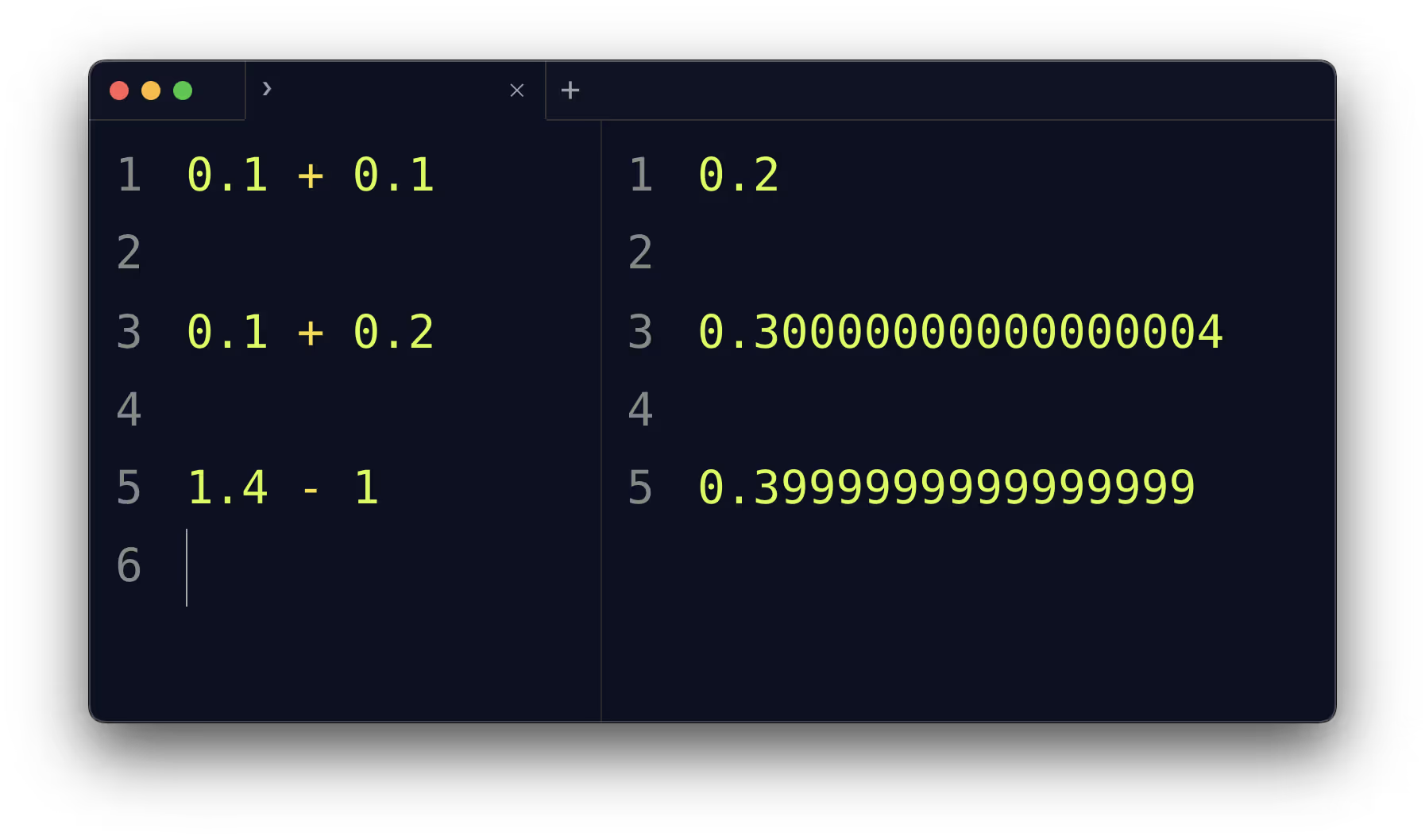
When working with numbers in programming, many developers eventually stumble upon a surprising result:
print(0.1 + 0.2)
# Output: 0.30000000000000004
At first glance, this looks like a bug. How can adding 0.1 and 0.2 give anything other than 0.3? The answer lies in the decimal problem - the mismatch between how humans represent numbers (base-10 decimals) and how computers represent numbers (binary).
Binary vs Decimal Representation
Computers use binary floating-point numbers, as defined by the IEEE 754 standard. Not all decimal fractions can be represented exactly in binary.
In base-10, 1/3 = 0.3333… repeats infinitely.
In base-2 (binary), fractions like 0.1 and 0.2 also repeat infinitely.
So when you write 0.1 in code, the computer actually stores the closest binary approximation. This is why 0.1 + 0.2 results in 0.30000000000000004 instead of exactly 0.3.
Why This Happens
Finite precision: Floating-point numbers have limited bits (commonly 64-bit “double precision”).
Rounding errors: The real decimal value gets rounded to the nearest binary fraction.
Accumulation: Small errors can accumulate across multiple operations.
Example in Python:
0.1  # actually stored as 0.10000000000000000555...
0.2  # actually stored as 0.20000000000000001110...
The Role of CPUs and Software Emulation
CPUs are optimized for binary floating-point math, not decimal. If you need exact decimal arithmetic (like in financial applications), many programming languages provide decimal libraries that emulate base-10 math in software.
- In Python:
decimal.Decimal - In Java:
BigDecimal - In .NET:
decimaltype
These are slower than hardware floating-point operations because they avoid approximation and handle calculations digit by digit.
Practical Guidance
Avoid using decimals unnecessarily
Use integers where possible (e.g., store cents instead of dollars).
Example: Instead of 10.99, store 1099 (in cents).
Be aware of floating-point limits
- Floating-point is fast and fine for scientific, graphics, or engineering calculations.
- But it is not suited for precise financial or accounting work.
Choose the right tool
- Use hardware floating-point for performance-heavy approximations.
- Use decimal libraries for precision-critical domains.
Conclusion
The “decimal problem” isn’t a bug; it’s a fundamental reality of how computers handle numbers. Understanding this helps avoid surprises, pick the right data type, and write more reliable software.